Unlocking Creative Potential: A Guide to Spring 3D PSD Editable Text Effects
In the fast-paced world of digital design, first impressions are everything. Whether you are crafting a social media post for a seasonal sale, designing a greeting card for Easter, or creating a bold header for a spring-themed blog, the typography you choose sets the tone. This is where the Spring 3D PSD Editable Text Effect becomes an invaluable asset. For many, the idea of creating professional-grade 3D text might seem like a task reserved for expert graphic designers with years of experience in Adobe Photoshop. However, modern design resources have democratized this process, making high-quality visual effects accessible to everyone through smart object technology.
Understanding the Power of Smart Objects
At the heart of these editable designs lies a powerful Photoshop feature known as the Smart Object. To understand why this is so significant, we must first look at how traditional image editing works. In a standard raster image, once you paint over pixels or apply effects, those changes are often permanent. If you make a mistake or want to change the text later, you might have to start from scratch.
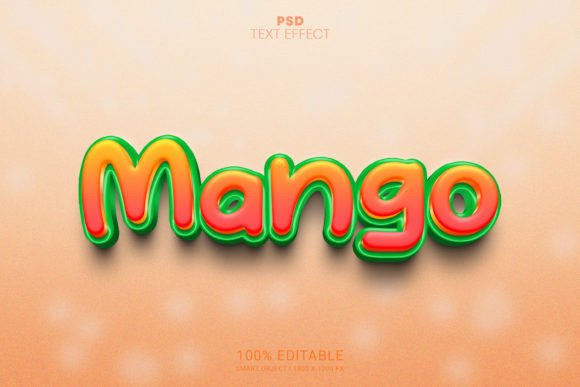
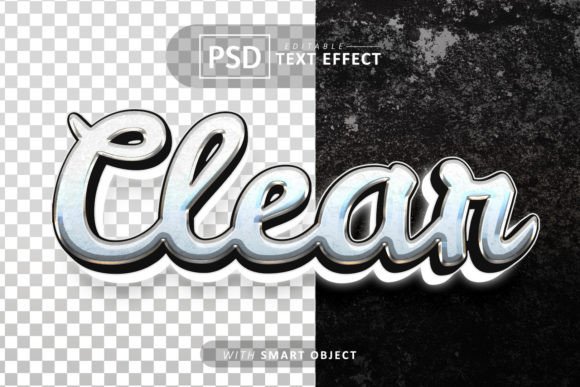
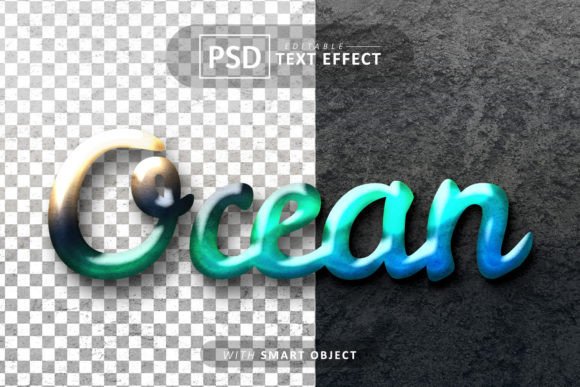
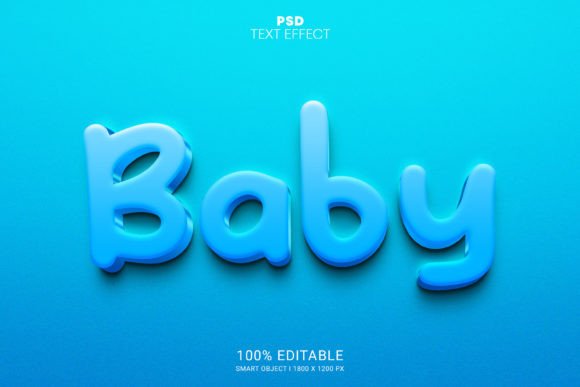
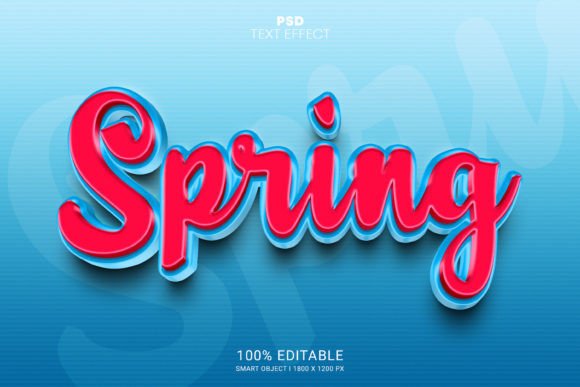
A Spring PSD smart object editable text effect changes this dynamic entirely. Think of a Smart Object as a protective container. Inside this container sits the complex arrangement of layers, shadows, highlights, and textures that create the 3D spring illusion. When you open the file, you aren't editing the final image directly; instead, you are interacting with a linked source file. By simply double-clicking the smart object icon, a new window opens where you can type your own text. Once you save that small file, the main document automatically updates, wrapping your new words in the intricate 3D style instantly.
This mechanism removes the barrier of technical skill. You do not need to know how to manipulate bevels, embossing, lighting angles, or texture maps. The heavy lifting has already been done by the creator of the PSD file. Your role shifts from a technician to a creative director, allowing you to focus on the message rather than the mechanics of the software.
Why Spring Themes Matter in Design
Seasonality plays a crucial role in marketing, education, and personal communication. Spring is a season associated with renewal, growth, vibrancy, and energy. Visually, this translates to bright colors, floral elements, soft gradients, and playful typography. Using a dedicated Spring 3D text effect helps align your content with these emotional cues.
Consider a local bakery launching a new line of flower-shaped cookies. A flat, black-and-white text announcement might get ignored. However, using a 3D text effect that mimics the look of blooming flowers or fresh grass immediately captures attention. It signals to the viewer that the content is timely and relevant. In the context of modern social media algorithms, where engagement is king, visually distinct content stops the scroll. These PSD templates provide that visual hook without requiring a custom photoshoot or illustration.
Key Features That Define Quality
Not all template files are created equal. When searching for the best resources, specific technical specifications ensure that the final output meets professional standards. A high-quality Spring PSD package typically includes several critical features that enhance usability and results.
- High Resolution (1800 x 1200 PX): The dimensions of your canvas matter. A resolution of 1800 x 1200 pixels provides ample space for detailed work. This size is large enough for high-definition web displays, retina screens, and even small-scale printing. It ensures that when you zoom in on your 3D text, the edges remain crisp and the textures do not appear pixelated.
- Well-Organized Layers: Chaos is the enemy of productivity. In a professional PSD file, every element is meticulously arranged. The layers are neatly grouped into folders, often labeled clearly (e.g., "Background," "Text Effect," "Shadows," "Highlights"). This organization allows users to toggle visibility, adjust opacity, or tweak specific color balances without accidentally breaking the design.
- 100% Editable Capability: True flexibility means you can change not just the text, but often the colors and background elements as well. While the primary function is text replacement, a well-built file allows for further customization to match your specific brand palette.
- No Skill Requirement: Perhaps the most important feature for beginners is the ease of use. The workflow is streamlined: Open, Double-Click, Type, Save. There is no need to navigate complex menus or understand advanced blending modes.
The Practical Workflow: From Download to Design
Implementing these tools into your daily workflow is straightforward. The file type is usually distributed as a .zip archive, which contains both the layered PSD file and a preview JPG image. The JPG serves as a quick reference so you can see what the final result looks like before opening the heavier Photoshop file.
- Extraction: Begin by unzipping the downloaded file to access the contents.
- Opening the File: Launch Adobe Photoshop and open the PSD file. You will see the pre-rendered spring text effect on your canvas.
- Locating the Smart Object: Look for the layer thumbnail with a small square icon in the corner. This indicates the Smart Object.
- Editing: Double-click this icon. A new tab will open containing the placeholder text. Delete the placeholder and type your desired message. You can experiment with different fonts here, though sticking to bold, thick fonts often yields the best 3D results.
- Saving and Updating: Press Ctrl+S (or Cmd+S on Mac) to save the smart object file. Close this tab and return to the main document. Magically, your new text will appear with all the 3D springs, shadows, and lighting effects applied automatically.
Broadening the Application Beyond Graphics
While these tools are rooted in graphic design, their utility extends far beyond creating pretty pictures. In education, teachers can use these effects to create engaging headers for lesson plans about seasons, biology, or nature, making learning materials more inviting for students. In business, small business owners who manage their own marketing can produce advertisements that rival those of large agencies, leveling the playing field.
Furthermore, these assets foster creativity. Sometimes, the blank canvas is intimidating. Having a pre-made structure allows users to experiment. You might try five different phrases in ten minutes to see which one sounds catchiest, something that would take hours if you had to build the effect from scratch each time. This rapid prototyping encourages iteration and refinement of ideas.
Common Misunderstandings Clarified
A common assumption among beginners is that using a template limits originality. On the contrary, templates are starting points, not finish lines. Because the layers are well-organized, you have the freedom to add your own elements—perhaps a photo of your product behind the text, or a custom gradient background that matches your company logo. The "editable" nature of the file means it adapts to your vision, not the other way around.
Another misconception is that high-quality 3D effects require expensive plugins or external software. The beauty of these native Photoshop PSD files is that they rely on built-in features. As long as you have Photoshop, you have everything you need. There are no hidden costs or compatibility issues with third-party renderers.
Conclusion: Elevating Your Visual Storytelling
The availability of Spring 3D PSD Editable Text Effects represents a shift in how we approach digital creation. It bridges the gap between professional quality and amateur accessibility. By leveraging smart object technology, users can bypass the steep learning curve of 3D modeling and focus on what truly matters: communication and storytelling.
Whether you are a seasoned designer looking to speed up your workflow or a complete novice eager to create stunning visuals, these resources offer a practical solution. With high-resolution outputs, organized layers, and an intuitive editing process, they empower anyone to bring a touch of springtime vibrancy to their projects. In an era where visual content dominates our digital interactions, having the tools to create eye-catching, seasonal designs efficiently is not just a luxury—it is a necessity for effective communication.
Embrace these tools to transform your text into art, ensuring your message blooms as brightly as the season itself.