Mastering the Autumn 3D Vector Text Effect: A Guide to Seasonal Design
As the leaves turn from vibrant green to shades of amber, rust, and gold, the visual landscape of our digital world shifts to match. In the realm of graphic design, few trends capture this seasonal transition as effectively as the Autumn 3D Vector Text Effect. This style has become a staple for marketers, content creators, and small business owners looking to infuse their projects with the warmth and nostalgia of the fall season. But what exactly makes this effect so powerful, and how can anyone, regardless of their technical skill level, utilize it to create stunning visuals?
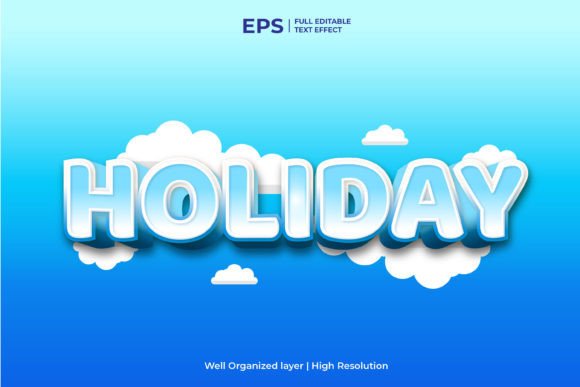
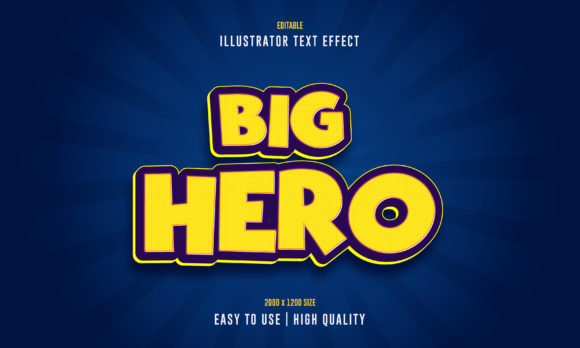
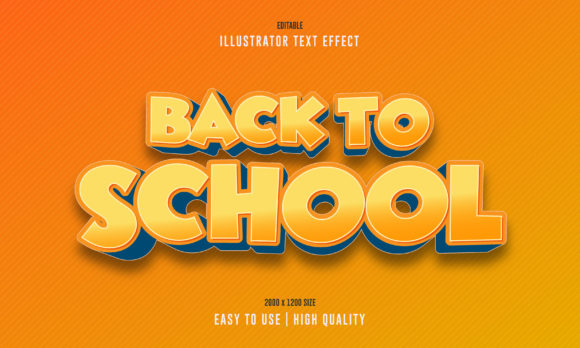
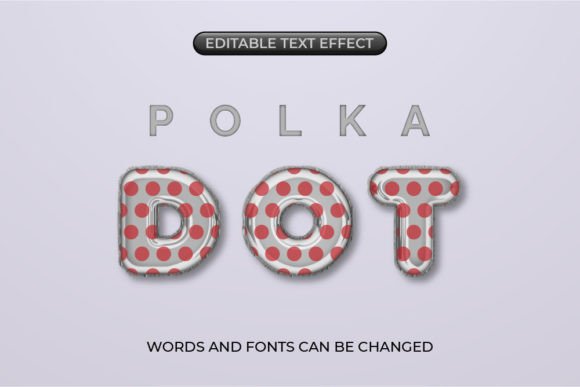
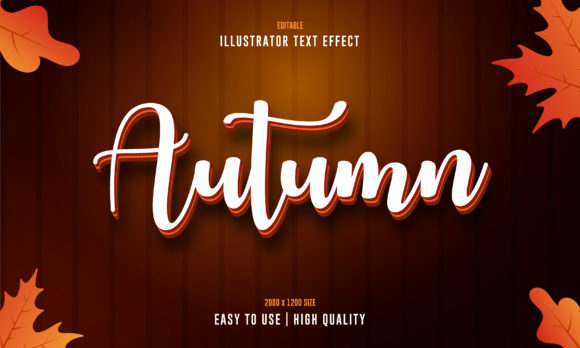
At its core, an autumn text effect is more than just a font choice; it is a comprehensive stylistic approach that combines typography, color theory, and dimensionality. When we talk about a custom editable font with font effect, we are referring to a pre-designed template that allows users to apply complex three-dimensional styling to any text they choose. The significance of this tool lies in its ability to bridge the gap between professional-grade design and accessibility.
The Anatomy of a High-Quality Autumn Text Template
To truly understand the value of these templates, one must look at what goes into creating them. A high-quality Autumn editable text effect is not merely a flat image with a shadow. It is a sophisticated assembly of vector shapes, gradients, and lighting effects designed to mimic the texture of falling leaves, wooden signs, or pumpkins.
Modern templates are typically delivered as a .zip file containing essential formats like .AI (Adobe Illustrator) and .JPG previews. The inclusion of the AI file is crucial because it ensures the design remains 100% customizable. Unlike raster images (like standard photos) which become pixelated when enlarged, vector graphics are mathematically defined. This means that all objects are resizable with no quality loss, whether you are printing a massive billboard or designing a small social media icon.
Why "Editable" Matters in Modern Design
In the fast-paced environment of modern business and education, time is a luxury few can afford. Historically, creating a 3D text effect required hours of manual work in complex software. A designer would have to extrude letters, map textures, adjust lighting angles, and render the final image. Today, an Autumn 3D Vector Text Effect template democratizes this process.
The primary advantage is the no skill requirement barrier. These templates are engineered to be quick and easy to use. They come well organized in a folder, with layers logically named and grouped. For a beginner, this structure is educational; it shows how professional designers organize their workspace. For an experienced user, it offers speed. You simply open the file, locate the text layer, type your message, and watch as the software automatically applies the intricate autumn styling.
Practical Applications Across Industries
The versatility of the autumn text effect extends far beyond simple holiday greetings. Its application in various sectors highlights its practical relevance in our daily digital lives.
- Retail and E-Commerce: Online stores rely heavily on seasonal aesthetics to drive sales. An editable 3D text effect can be used for "Fall Sale" banners, "Harvest Festival" headers, or promotional emails. The warm colors psychologically evoke feelings of comfort and urgency, encouraging purchases.
- Education and Community Events: Schools and community centers often need to create flyers for homecoming dances, Thanksgiving potlucks, or autumn fairs. Using a pre-made template ensures that even volunteers with limited design experience can produce materials that look professional and inviting.
- Social Media and Content Creation: Influencers and bloggers use these effects to create eye-catching thumbnails and story highlights. The 3D element adds depth that stands out against the flat backgrounds common in mobile feeds.
- Corporate Branding: Even serious businesses adopt seasonal branding to appear relatable. A law firm or a tech company might use a subtle autumn text effect in their internal newsletters or client updates to maintain a human connection during the fall months.
Understanding the Technical Benefits: Vectors vs. Rasters
A common misunderstanding among beginners is the difference between vector and raster graphics. Many assume that if an image looks good on a screen, it will look good on a printed t-shirt. This is rarely true for standard images.
An Autumn 3D Vector Text Effect solves this problem. Because the file type includes .AI, the design is built on paths and points rather than pixels.
- Scalability: You can stretch the text to the size of a building without it becoming blurry.
- Editability: Every color gradient, every shadow, and every leaf detail can be changed. If your brand colors are blue and silver, but the template is orange and brown, you can swap the colors instantly while keeping the 3D structure intact.
- File Efficiency: Vector files are often smaller and easier to manage than high-resolution photographic renders, making them ideal for web use where loading speed matters.
How to Get Started: A Step-by-Step Approach
Utilizing these resources does not require a degree in graphic design. The process is streamlined to ensure easy customization. Here is how a typical workflow looks for a user downloading a new template:
First, download the .zip file and extract its contents. Inside, you will find the main source file (usually ending in .ai). Open this in Adobe Illustrator or a compatible vector editor. Navigate the well-organized layers; you will likely see a folder named "Text" or "Edit Here." Double-click this layer to activate the text tool. Type your desired phrase—perhaps "Welcome Fall" or "October Special."
Once typed, the magic happens. The pre-set styles, which include the 3D extrusion, the autumn leaf textures, and the lighting effects, automatically wrap around your new letters. If the default font doesn't match your vision, most templates allow you to change the font family while retaining the any font 3d effect capability. Finally, export your creation as a JPG for the web or a PDF for print.
The Creative Freedom of Unique Designs
One of the most exciting aspects of using these templates is the potential for unique design. While the base structure is provided, the end result is entirely up to the user. You might decide to add more maple leaves, change the background to a dark chalkboard texture, or animate the text for a video project.
This flexibility fosters creativity. Instead of spending time figuring out how to create a 3D shadow, you spend your energy deciding what to say and how to make it resonate with your audience. This shift from technical execution to creative strategy is what makes these tools so valuable in the modern workflow.
Conclusion: Embracing the Season with Professional Tools
The Autumn 3D Vector Text Effect is more than a trendy aesthetic; it is a functional tool that enhances communication through visual appeal. By leveraging high-quality, editable templates, individuals and businesses can maintain a professional image without the steep learning curve of advanced 3D modeling software.
Whether you are a student creating a project, a marketer launching a campaign, or a hobbyist designing invitations, these resources offer the perfect blend of convenience and quality. With features like 100% customizability, resizable objects, and no quality loss, they represent the evolution of design technology—making beautiful, seasonal art accessible to everyone. As the air turns crisp and the days grow shorter, let your designs reflect the warmth of the season with ease and confidence.